
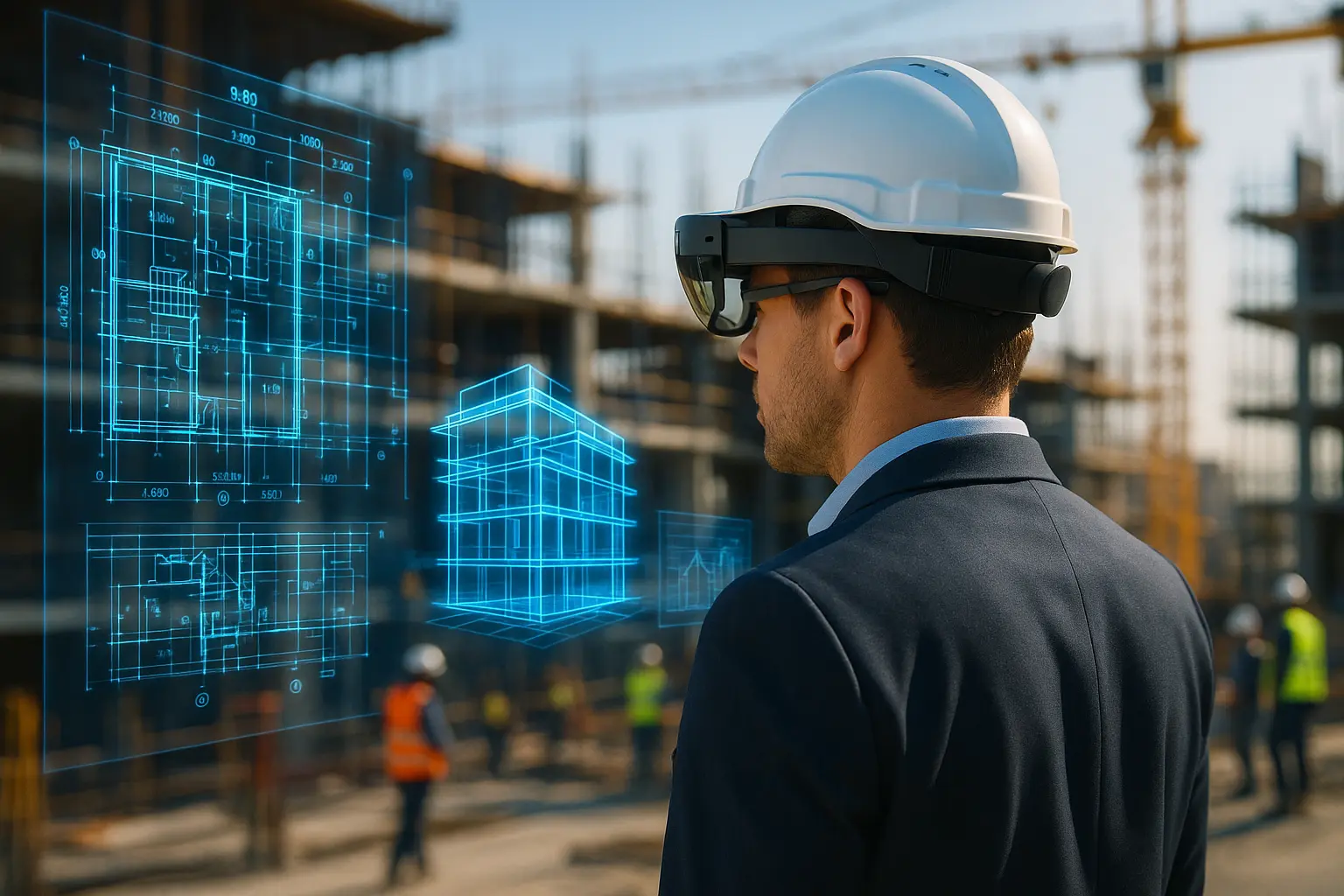
Augmented reality has been about to transform construction for roughly a decade. The interesting question in 2026 is not what it might eventually do, but which of its use cases have quietly settled into routine work while the headline promises stalled.
The short version for a project team
- Setting out and clash verification are where AR pays back fastest, because the alternative is measurable rework.
- Everything depends on the model. A poor BIM model produces a confidently wrong overlay.
- Positioning accuracy, not display quality, is what decides whether an overlay can be trusted on site.
- The hardware market is unsettled: the best-known site headset is out of production with support ending in 2027.
Where augmented reality has actually landed
AR use cases in construction have separated into three tiers, and being honest about which tier a proposal sits in avoids most disappointments. The table below reflects where the applications stand as of mid-2026, based on what is commercially available rather than on demonstration projects.
| Use case | What it replaces | Maturity |
|---|---|---|
| Design review with clients and stakeholders | Renders, physical models, imagination | Established, low technical barrier |
| Setting out and layout on slab | Tape, chalk line, manual transfer from drawings | In commercial use, accuracy dependent |
| Verifying installed services against the model | Drawing-based inspection after the fact | In commercial use, strongest return |
| Training and safety induction | Classroom sessions, learning on a live site | Growing, mostly bespoke content |
| Remote expert assistance | Site visits by specialists | Workable, limited by connectivity |
| Hands-free guided assembly at the workface | Paper method statements | Pilot stage in most organisations |
Setting out: the case that justifies itself
Positioning a model on a slab and walking the layout before anything is fixed is the application that most consistently repays its cost. Penetrations, hanger positions and partition lines can be checked against the coordinated model at the moment they matter, which is before the concrete crew and the services contractor discover the conflict in sequence.
The constraint is registration accuracy, meaning how precisely the software anchors the virtual model to the real building. Systems that rely on visual features alone drift, particularly in repetitive or featureless spaces such as car parks and plant rooms. Serious deployments tie the overlay to surveyed control points or to a total station, which is also what makes the output defensible in a dispute. An overlay is only as trustworthy as the control it is registered against, and this single point separates the projects that keep using AR from those that abandon it after one trial.
Verification and handover records
Comparing what has been installed against what was modelled, before it is covered up, is the second application with a clear commercial argument. Capturing services in place and checking them against the model turns a QA walk into a documented record, and it catches the deviations that would otherwise surface during commissioning or, worse, during a future maintenance visit.
This is also where AR stops being a visualisation toy and becomes a data process. The value sits in the model and its accuracy, not in the headset, which is why organisations with a mature digital fabrication and modelling workflow get results from AR that others cannot reproduce with identical equipment.
Training and safety, without the live risk
Rehearsing a task in a simulated environment before performing it on an operational site has an obvious logic, and it is the use case with the least resistance from workforces. Sequencing a lift, walking an evacuation route, practising an isolation procedure or familiarising a crew with unfamiliar plant can all be done without exposure.
Two limits should be stated plainly. Simulated training complements statutory training and competence requirements, it does not substitute for them, and the obligations remain with the employer under the health and safety regime applying to the site. And headset use on a live site is itself a hazard to assess, since anything that occupies vision and hearing near moving plant changes how a person perceives their surroundings.
The uncomfortable part: adoption and hardware
The adoption curve has not behaved as expected. A mixed-method study published in 2025 in Frontiers in Built Environment, drawing on three surveys of architecture, engineering, construction and facilities-management professionals in 2018, 2020 and 2023 with 72, 139 and 75 respondents respectively, reported that 44% of respondents used AR or VR technologies in 2023, against 56% in 2018 and 65% in 2020, while the share with no exposure at all rose to 21%. The authors point to cost, perceived immaturity and a skills gap, with 29% of companies reporting no in-house AR or VR expertise, and to a growing preference for outsourcing rather than building internal capability. Sample sizes at that scale carry real uncertainty, but the direction is a useful corrective to vendor projections.
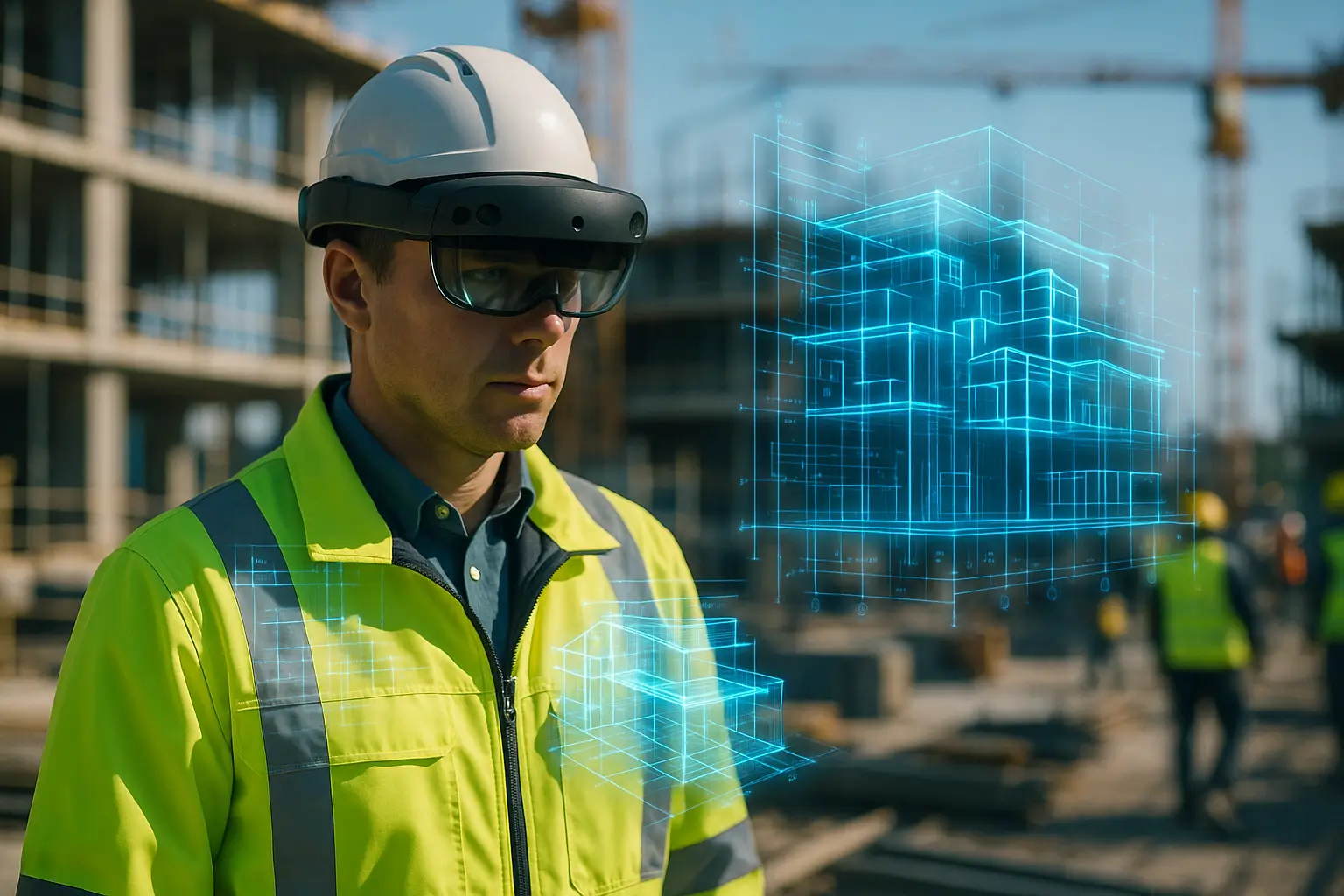
The hardware picture reinforces the point. Microsoft stopped manufacturing HoloLens 2, the headset behind most purpose-built construction deployments including Trimble’s hard-hat-integrated XR10, with security updates announced to continue only until the end of 2027 and no successor announced. Anyone specifying head-mounted AR today should therefore treat device longevity as a procurement risk, and favour software that runs on tablets and phones as well as on headsets.
Before committing to a deployment
- Check the model first. If the federated model is not coordinated and current, AR will display those errors at full scale with total confidence.
- Ask how the software registers to the building, and whether it supports control points or total station alignment. Anything vaguer is a visualisation tool, not a measurement one.
- Pick one workflow and one crew. Setting out or services verification, on a single package, with a defined review point.
- Assume the hardware will be replaced. Choose platforms with more than one supported device.
- Assess headset use as a site hazard before anyone wears one near live operations.
Common questions
Does augmented reality require BIM?
For design review, no. For anything involving setting out or verification, effectively yes, since the overlay is only as good as the coordinated model behind it.
Is a tablet enough, or is a headset necessary?
Tablets and phones cover a large share of practical use cases and cost far less, which is why most first deployments start there. Headsets earn their place when the task genuinely needs both hands free.
How accurate is an AR overlay on site?
Accuracy varies by system, by registration method and by the environment, and vendor figures are not directly comparable. Any team relying on the overlay for setting out should validate it against a known control point on its own site before trusting it.
Working out what sits underneath all of this?
Augmented reality is a way of viewing a model. Our comparison of BIM platforms covers the tools that produce the model in the first place.